
Spider Draw Pro6.0.7 - Google Play
You'll be able to see results in few seconds.
Publisher Description

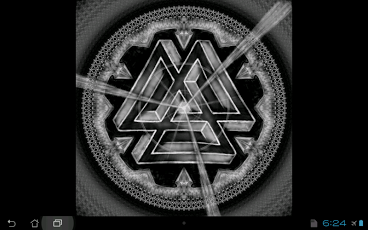

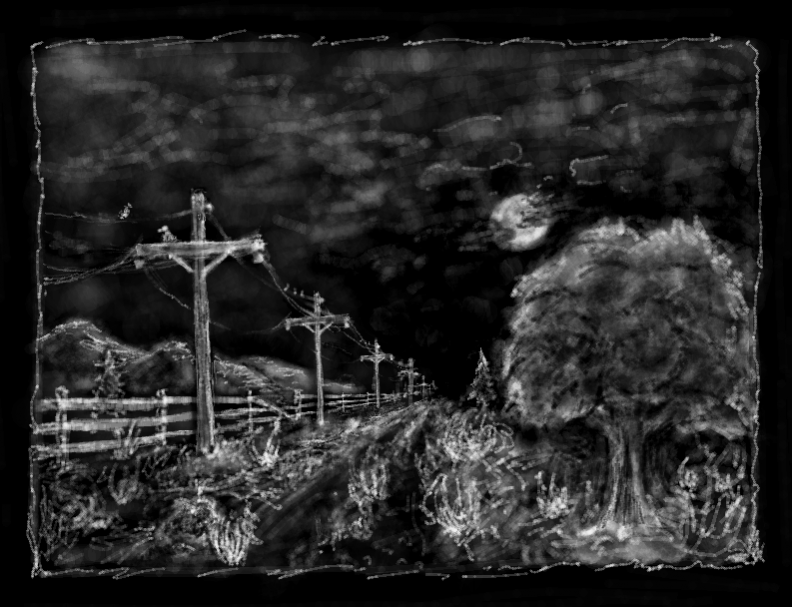




Spider Draw Pro.
NEW Update: Finally!!! You can now share your images in a variety of ways including Facebook, Pinterest, email, Dropbox, etc.!
You can also Save your "Brush Strokes" and Replay your drawings from start to finish and watch your art unfold before your eyes!
Draw complex images with a variety of patterns and mirror effects. Its fun for kids, but also opens new horizons to even the most seasoned artist. Or better yet, you may not have even known how much of an artist you could be until Spider Draw! Try it! You'll be amazed at the artwork that can be created at your fingertip!
Actively create in a beautiful world of symmetry.
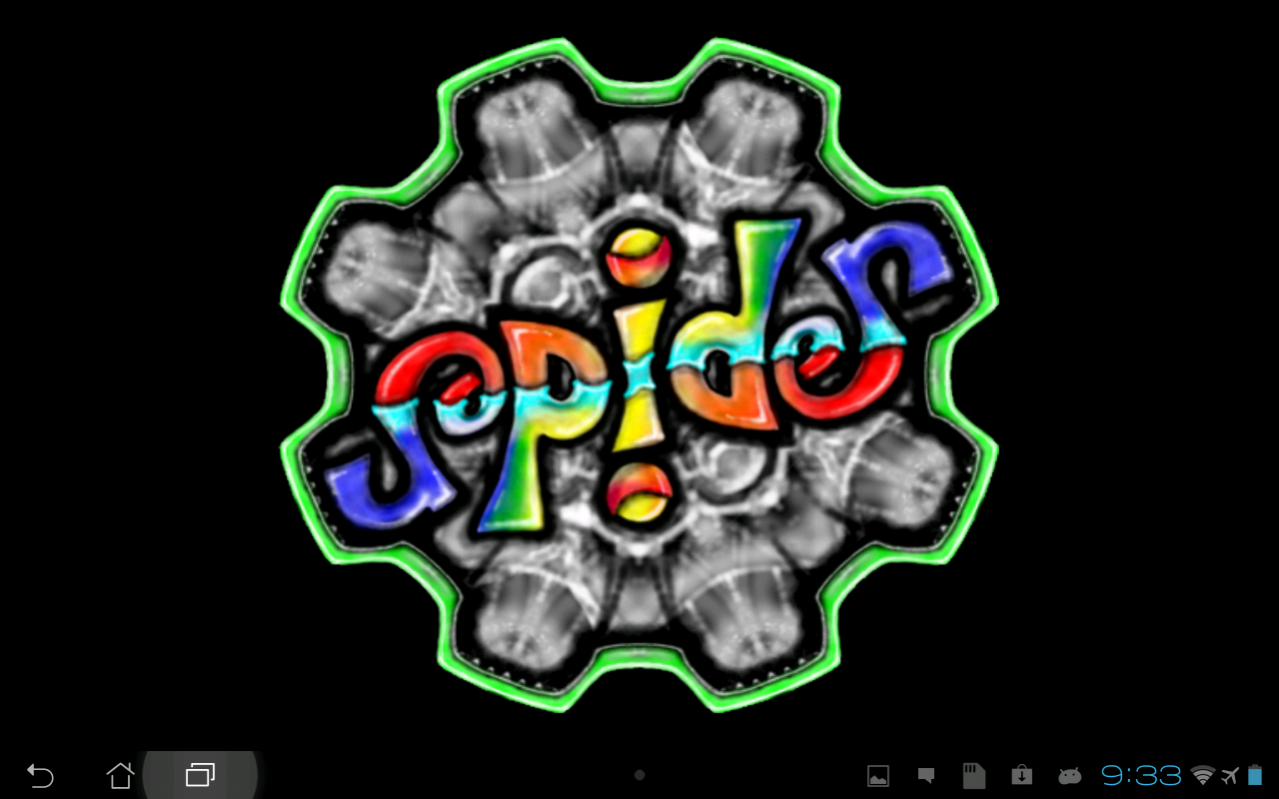
Design Ambigrams. (Ambigrams are words that, when rotated or mirrored, form other words or a different perspective of the same word.) The Spider logo is an example of an ambigram, drawn with Spider Draw.
Create Mandalas, beautiful symmetric artwork.
Check out our Spider Draw Facebook page to see examples of artwork created with Spider Draw and to share your own creations!
https://www.facebook.com/SpiderDraw
Please enjoy! Let me know what suggestions or recommendations you have.
Created by Steven Richardson with Game Maker Studio.
keywords: paint draw doodle sketch sketchbook draw drawing art artist mandala mandalas kaleidoscope pen pencil brush awesome airbrush drawing pad tablet chalk something how painting ink inkblot
About Spider Draw Pro
The company that develops Spider Draw Pro is SCR. The latest version released by its developer is 6.0.7.
To install Spider Draw Pro on your Android device, just click the green Continue To App button above to start the installation process. The app is listed on our website since 2018-01-21 and was downloaded 0 times. We have already checked if the download link is safe, however for your own protection we recommend that you scan the downloaded app with your antivirus. Your antivirus may detect the Spider Draw Pro as malware as malware if the download link to com.SCR.SpiderPro is broken.
How to install Spider Draw Pro on your Android device:
- Click on the Continue To App button on our website. This will redirect you to Google Play.
- Once the Spider Draw Pro is shown in the Google Play listing of your Android device, you can start its download and installation. Tap on the Install button located below the search bar and to the right of the app icon.
- A pop-up window with the permissions required by Spider Draw Pro will be shown. Click on Accept to continue the process.
- Spider Draw Pro will be downloaded onto your device, displaying a progress. Once the download completes, the installation will start and you'll get a notification after the installation is finished.
Program Details
System requirements
Download information
Pricing
Version History
version 6.0.7
posted on 2018-01-21
Mirror and Pattern Preset Buttons added. Easily switch between Preset settings. Setup your own Presets.
Color picker added. You now have full control of the colors you use.
Circle and Line Guide Templates added. Create smooth lines and curves.
Improved Zooming and Panning.
Revamp Look and User Interface.
Added Spiral Icons to make using spiral settings more intuitive.
version 4.0.12
posted on 2016-01-06
V4.0.4 Added a preview image when loading and existing image.,V4.0.2 Finally!!! You can now share your images in a variety of ways including Facebook, Pinterest, email, Dropbox, etc.! I know several of you have been patiently waiting for this one! Cheers!
version 1.0.25
posted on 2013-05-14
Several fixes and updates
Disclaimer
Official Google Play Link
We do not host Spider Draw Pro on our servers. We did not scan it for viruses, adware, spyware or other type of malware. This app is hosted by Google and passed their terms and conditions to be listed there. We recommend caution when installing it.
The Google Play link for Spider Draw Pro is provided to you by apps112.com without any warranties, representations or guarantees of any kind, so access it at your own risk.
If you have questions regarding this particular app contact the publisher directly. For questions about the functionalities of apps112.com contact us.
